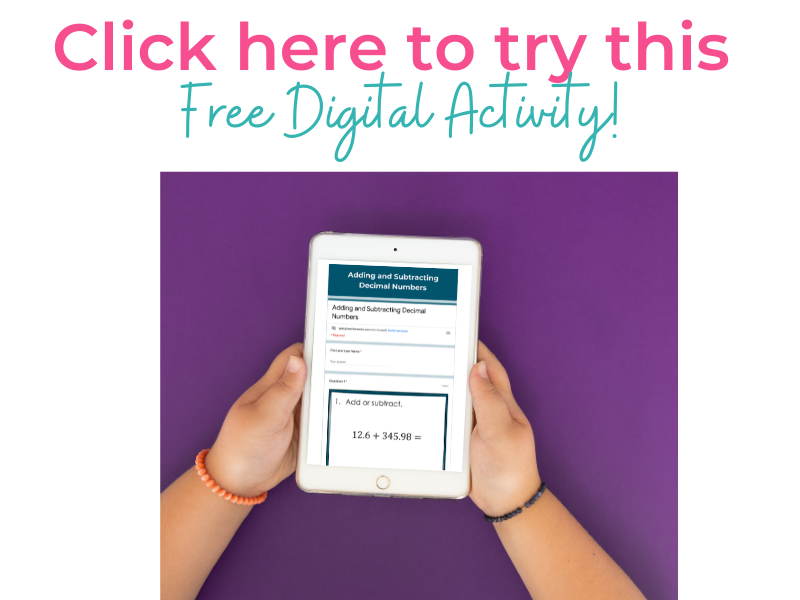

When it comes to making math engaging and effective, Google Forms can do so much more in math than just collect answers. From providing independent math practice with instant feedback, to offering powerful tools for assessment and data tracking, to creating fun, interactive activities like digital escape rooms and scavenger hunts, Google Forms opens the door to endless classroom possibilities. Whether you want to give students meaningful practice, check their understanding with accuracy, or spark collaboration through problem-solving challenges, Google Forms are a flexible and time-saving resource every math teacher can use to boost learning.
Google Forms for Independent Math Practice That Gives Instant Feedback
Google Forms can be an excellent tool for independent math practice or review. One of the biggest benefits is that students receive instant feedback, which allows them to reflect on mistakes and learn from them right away. Teachers can also enable settings that let students revise their responses after submitting, making the activity more about growth and understanding than just getting the right answer the first time. Using short-answer questions works especially well in math because it prevents students from simply guessing and encourages them to think critically about their work. By combining immediate feedback with opportunities to correct errors, Google Forms helps students strengthen their math skills and build confidence in their learning.
Google Forms for Assessment: Quick Data, Instant Feedback
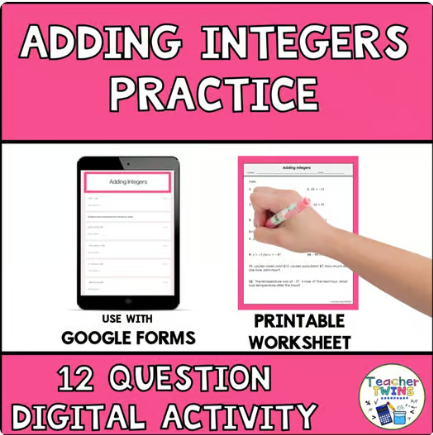
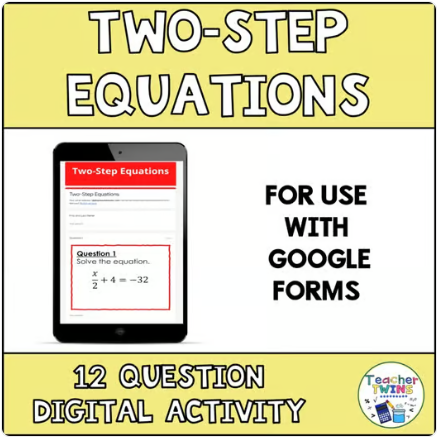
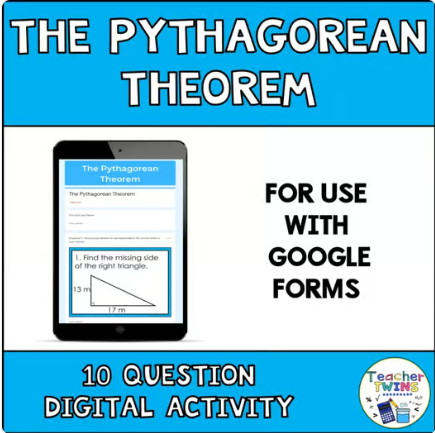
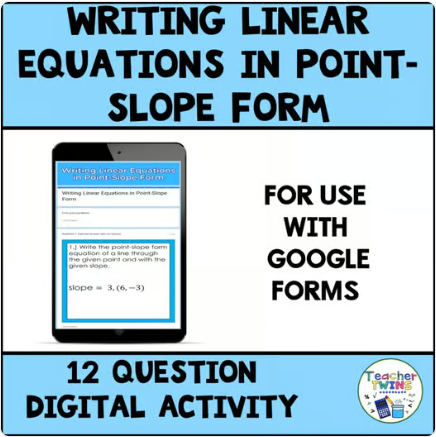
Google Forms can be a powerful tool for math assessments. With the right settings, students receive immediate feedback, while teachers maintain control over the integrity of the test by allowing only one response per student. This ensures that the results reflect what students actually know rather than repeated guessing. After the assessment, teachers can easily download a spreadsheet that breaks down performance by question, providing valuable insights into which concepts need to be retaught, and which students may need additional support. This combination of instant feedback for students and actionable data for teachers makes Google Forms a highly effective assessment tool in the math classroom.

Google Form Escape Rooms and Scavenger Hunts
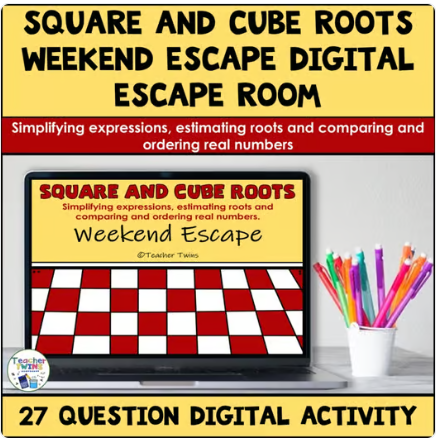
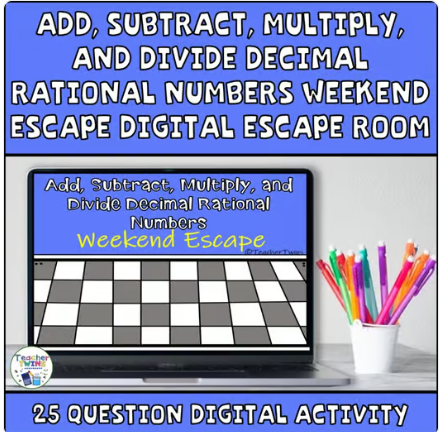
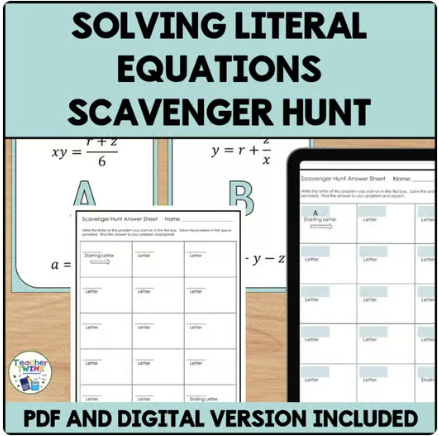
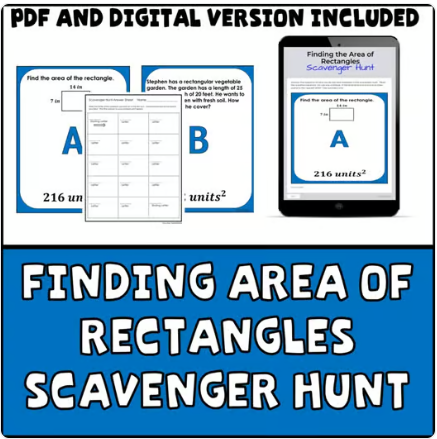
Google Forms aren’t just for quizzes—they can also be used to design interactive digital math activities like escape rooms or scavenger hunts. A Math Digital Escape Room challenges students to solve problems correctly in order to unlock the next section, making them persist until they find the right solution. Similarly, a Digital Scavenger Hunt requires accurate responses before students can move forward, keeping them accountable for their learning. Both activities work well for independent practice, partner work, or small group collaboration. As students work through the challenges together, they not only strengthen their math skills but also build important collaboration and problem-solving skills.
Conclusion
Google Forms are more than just a tech tool—they are a powerful resource for transforming math instruction. Whether you’re using it for independent practice with instant feedback, as an accurate assessment tool, or engaging digital escape rooms and scavenger hunts, Google Forms makes learning math more interactive, meaningful, and fun. By incorporating these strategies, teachers can save time, gather valuable data, and give students opportunities to learn from mistakes, collaborate, and grow. With just a few clicks, you can turn a simple form into an activity that boosts both engagement and understanding in your math classroom. Read the blog How to Create a Google Form Quiz to find out about creating your own Google Forms.
Click below for a free Google Form activity.